Allergen support has limits
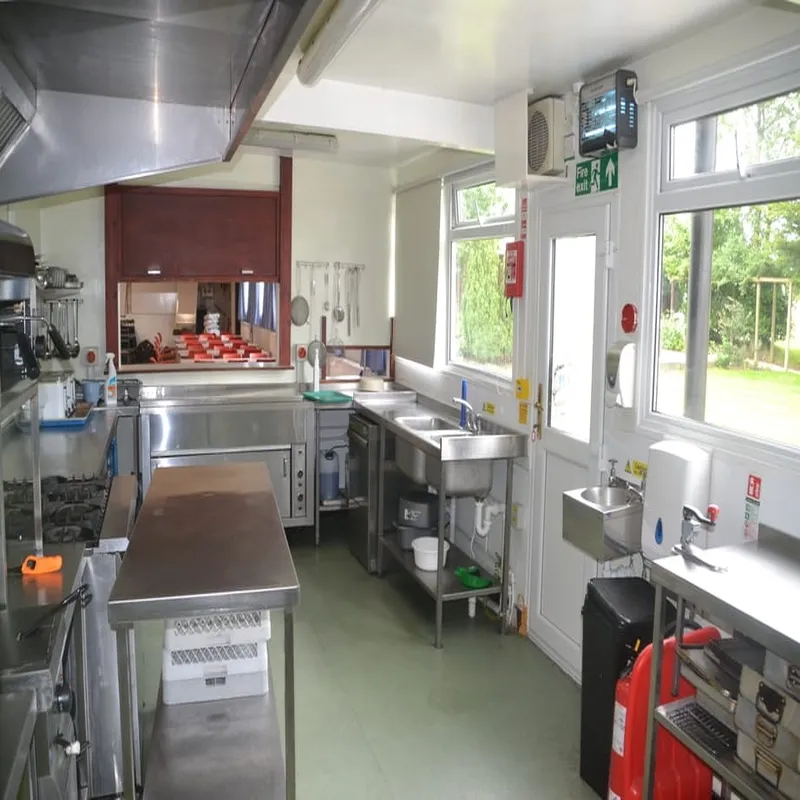
We do our best to support dietary needs, but our kitchen is not a fully allergen-free environment and trace allergens may still be present.
How it works
Record group members' dietary needs before your visit so meals can be prepared more safely and your stay runs more smoothly.
Enter each member of your group who have stated they have dietary needs so everyone is recorded clearly.
Choose any relevant allergens and dietary preferences that apply.
Include anything important such as severe reactions, EpiPens or relevant medical treatments.
Keep this with the rest of your booking details so it is easy to find later.
Key points
A few checks now help us prepare meals more safely and make sure nothing important is missed before your stay.
We do our best to support dietary needs, but our kitchen is not a fully allergen-free environment and trace allergens may still be present.
If anyone in your group has a severe or life-threatening allergy, please contact the Warden before your visit so this can be planned safely.
Save your dietary planner to this device
Book your stay to get started, then use this tool to plan for a smoother experience.
No people added yet. Use the form above to record each member of your group.
Under UK law, food businesses must declare all 14 of these allergens. Select any to add to a person's record.
Plan your stay
This planner is one part of preparing for your visit. View accommodation options or use other planning tools to organise your stay fully.