At a glance
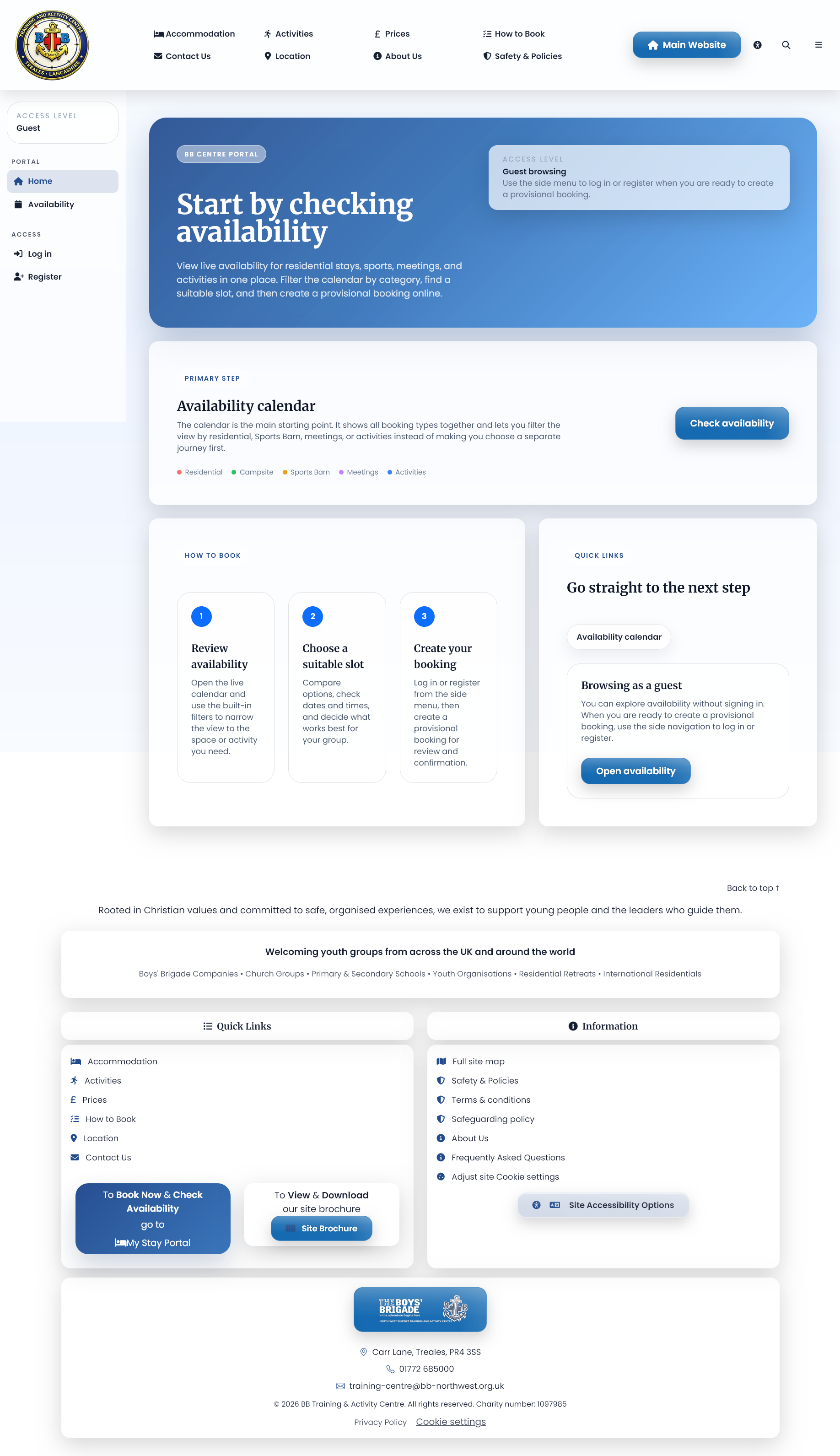
Your booking path
Three simple steps from checking dates to confirming your booking.
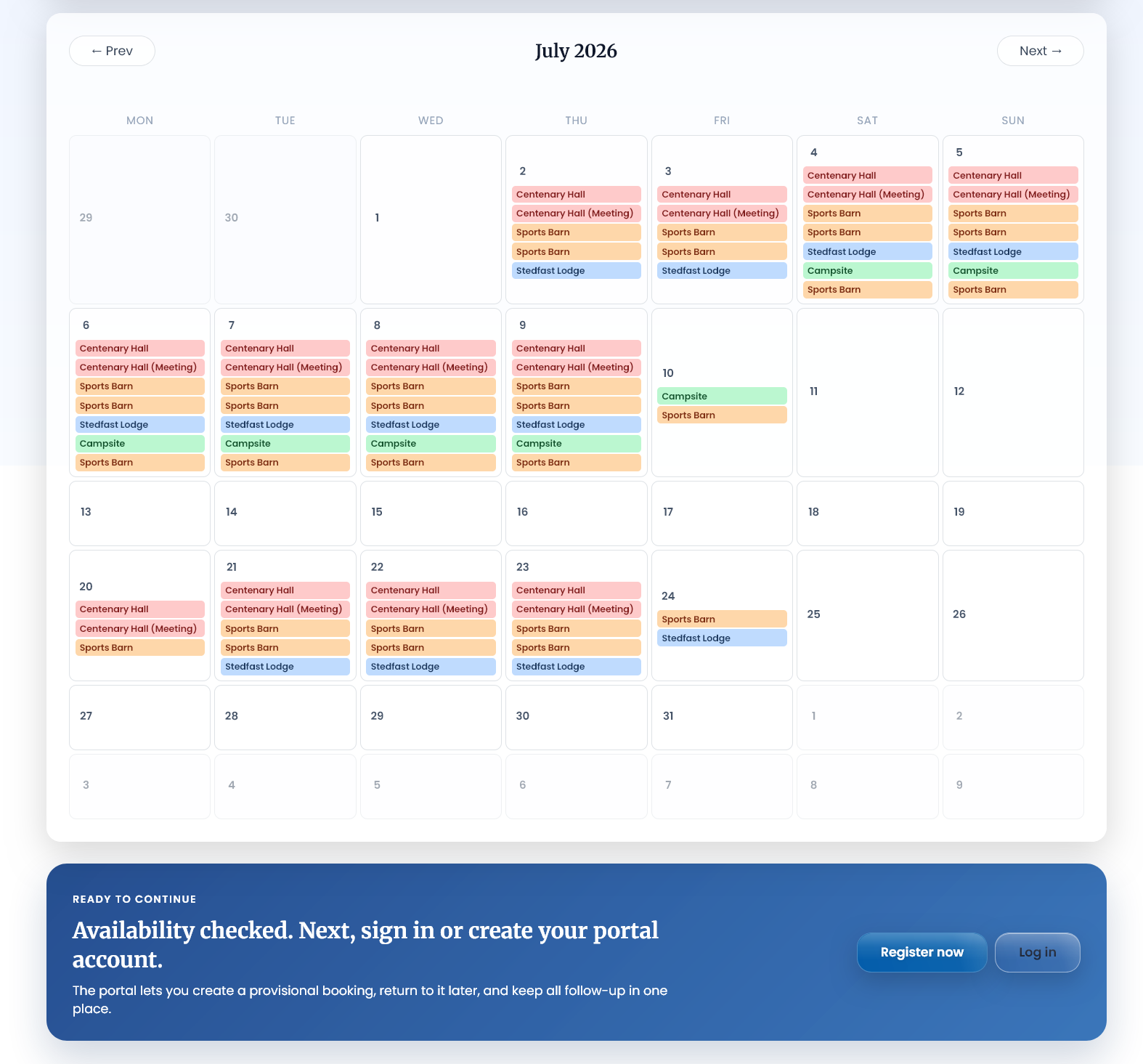
Check availability & register
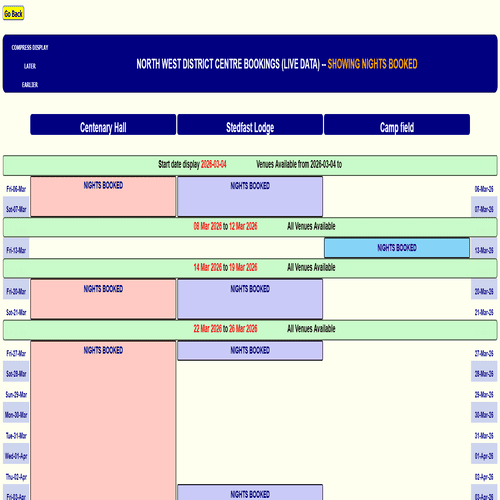
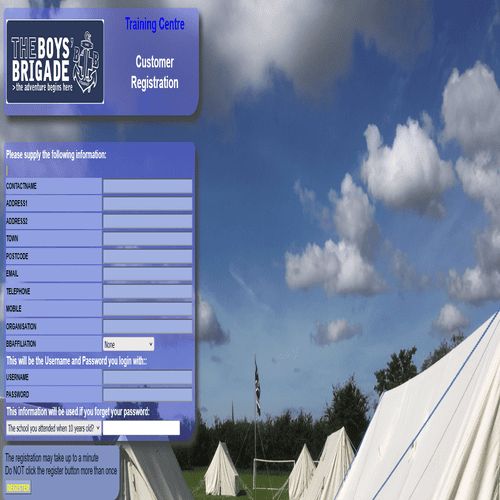
Check your dates, then create or log in to your account.
Submit your request
Submit through the portal. The Centre team will be in touch with your contract and next steps.
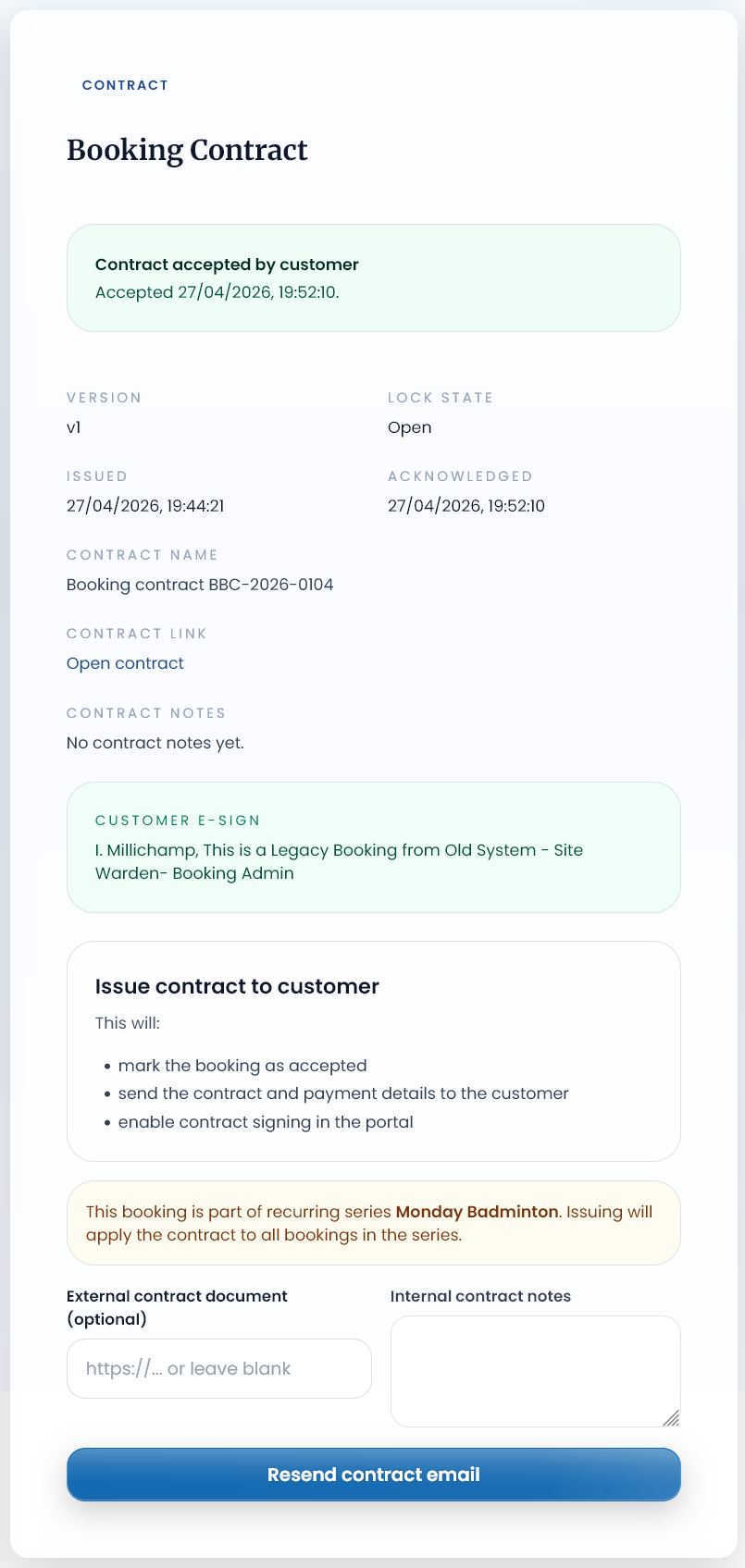
Book NowSign contract & pay deposit
E-sign your contract and pay the deposit to confirm your booking.
Portal walkthrough
See how the booking portal works
Watch the short walkthrough or open the screenshots to see the main booking screens.
Choose your booking type
What do you want to book?
Residential stays
Book the Centre buildings for weekends, midweek visits, school trips, camps and longer residential stays.
Campsite
Book the campsite as a separate outdoor stay, or as part of a wider visit where available.
Sports hall & field
Book sports spaces for group sessions, games, events and regular activities.
Meeting rooms
Book meeting spaces for training, planning days, leader meetings or small group sessions.
Centre activities
Add Centre-provided activities to your stay, or book activity sessions where available.
Partner-led activities
Some activities are delivered by trusted partners. The portal will guide you through any extra information needed.
After you submit
What happens next?
Once you submit, the Centre team reviews your request and sends over your contract, deposit details and any documents needed to confirm your booking.
Contracts
You will be asked to review and e-sign your booking contract in the portal.
Deposits
Your booking is confirmed once the required deposit has been received and recorded.
Invoices
Invoices and payment records are handled through the booking system.
Documents
Contracts, terms and relevant booking documents can be found in your portal documents area.
Activities
Adding activities to your booking
Activities can be linked to a residential or campsite booking so your visit stays organised in one place.
Some activities may also be booked separately. Where risk assessments or extra documents are needed, these will be provided through the booking system.
Not sure what to choose?
Start with your main stay or room booking first. You can then add activities where the portal offers them.
Ready to book?
Book now to secure your stay
Check dates and availability, then complete your booking to get started.
Need help before booking?
Contact the Centre for help with dates, accommodation options or the booking process before submitting a request.